
Unlocking LinkedIn Success: How to Craft a Professional Portrait with AI
Standing Out in the Professional Networking World: A Guide to AI-Powered Portrait Generation

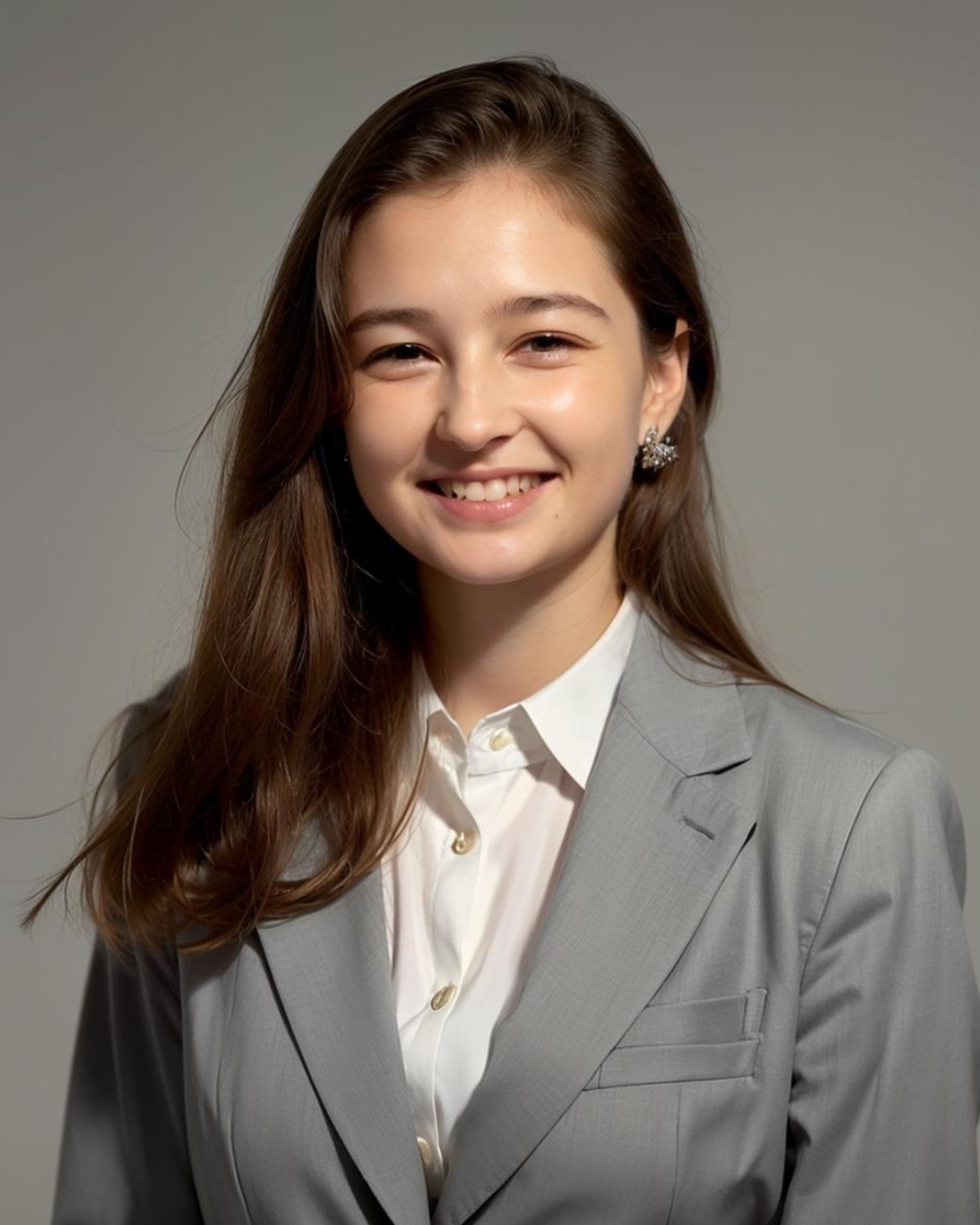
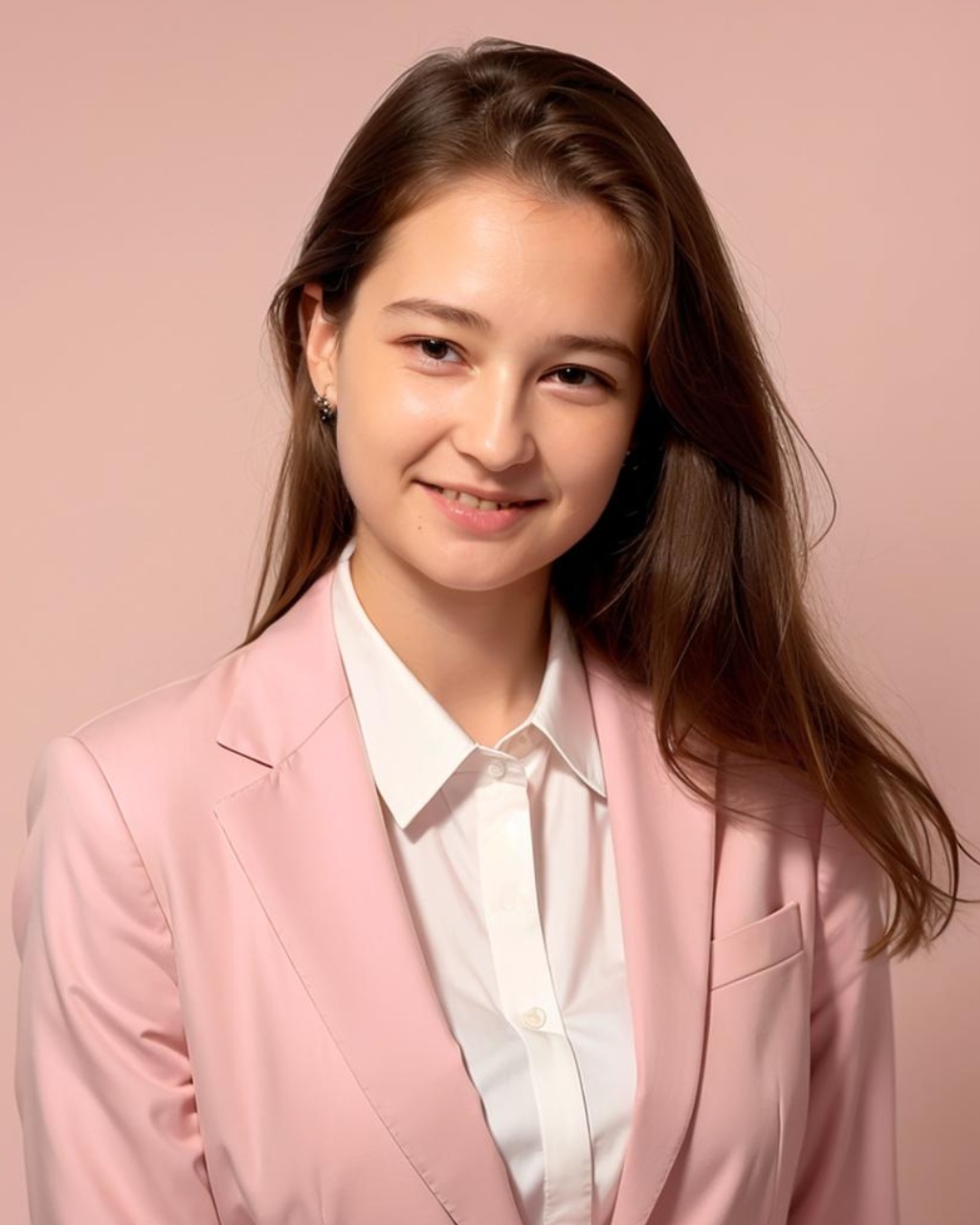
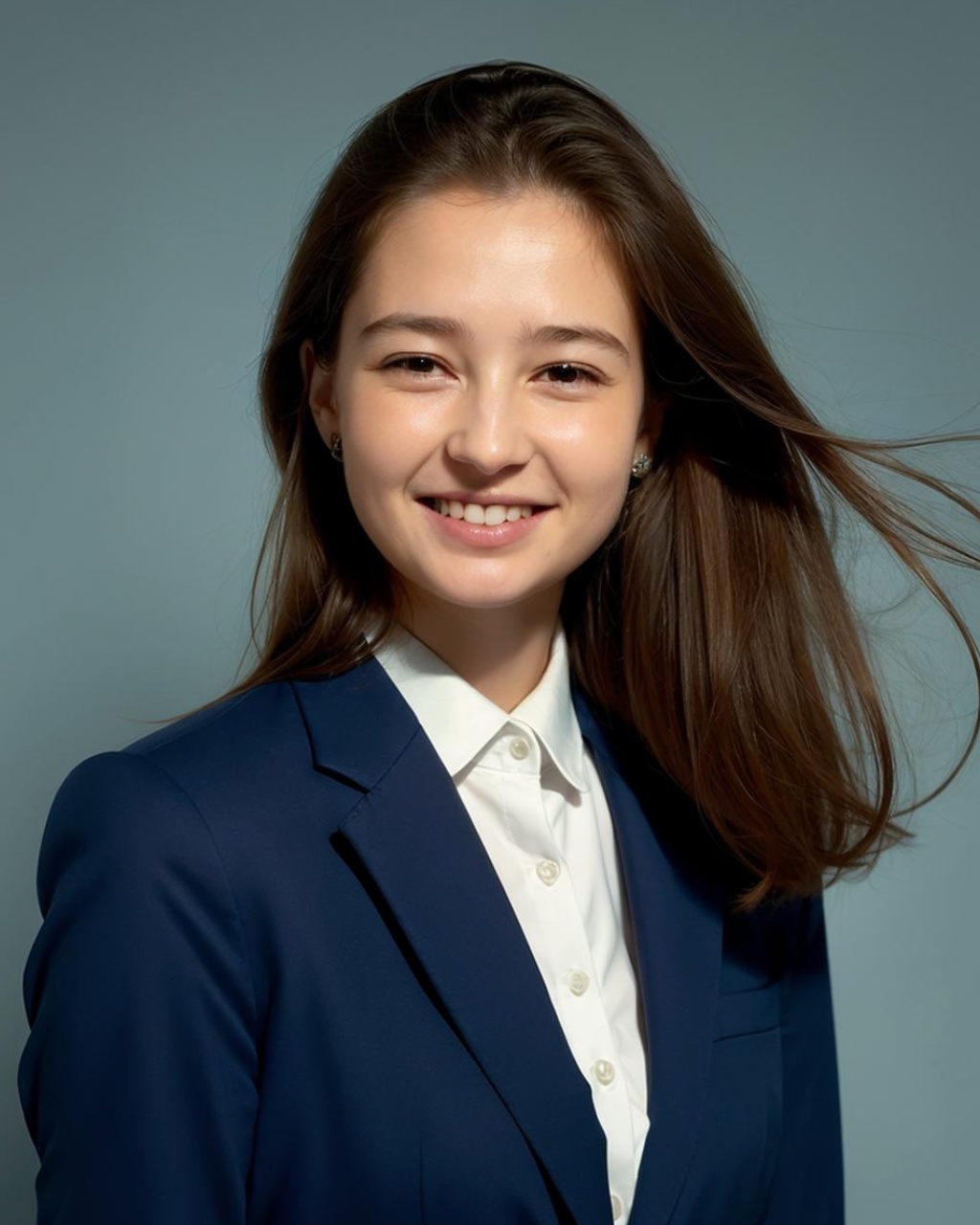
In today’s competitive job market, your online image is a part of your personal brand. A good portrait not only enhances your professional image but also leaves a lasting impression on potential employers or business partners browsing your LinkedIn profile.
In this article, we will tell you how to use the Proface.ai to generate professional AI LinkedIn images.
Why Opt for an AI-Generated LinkedIn Portrait?
 |  |  |
|---|
In the digital age, LinkedIn is essential for professionals globally. It's key for career opportunities, networking, and showcasing achievements. A professional LinkedIn portrait is vital for a strong first impression.
However, traditional headshots can be costly, time-consuming, and involve coordinating with a professional photographer.
This is where Proface.ai comes into play, helping you effortlessly create a professional LinkedIn-style portrait.
How to Generate a LinkedIn-Style Portrait with AI
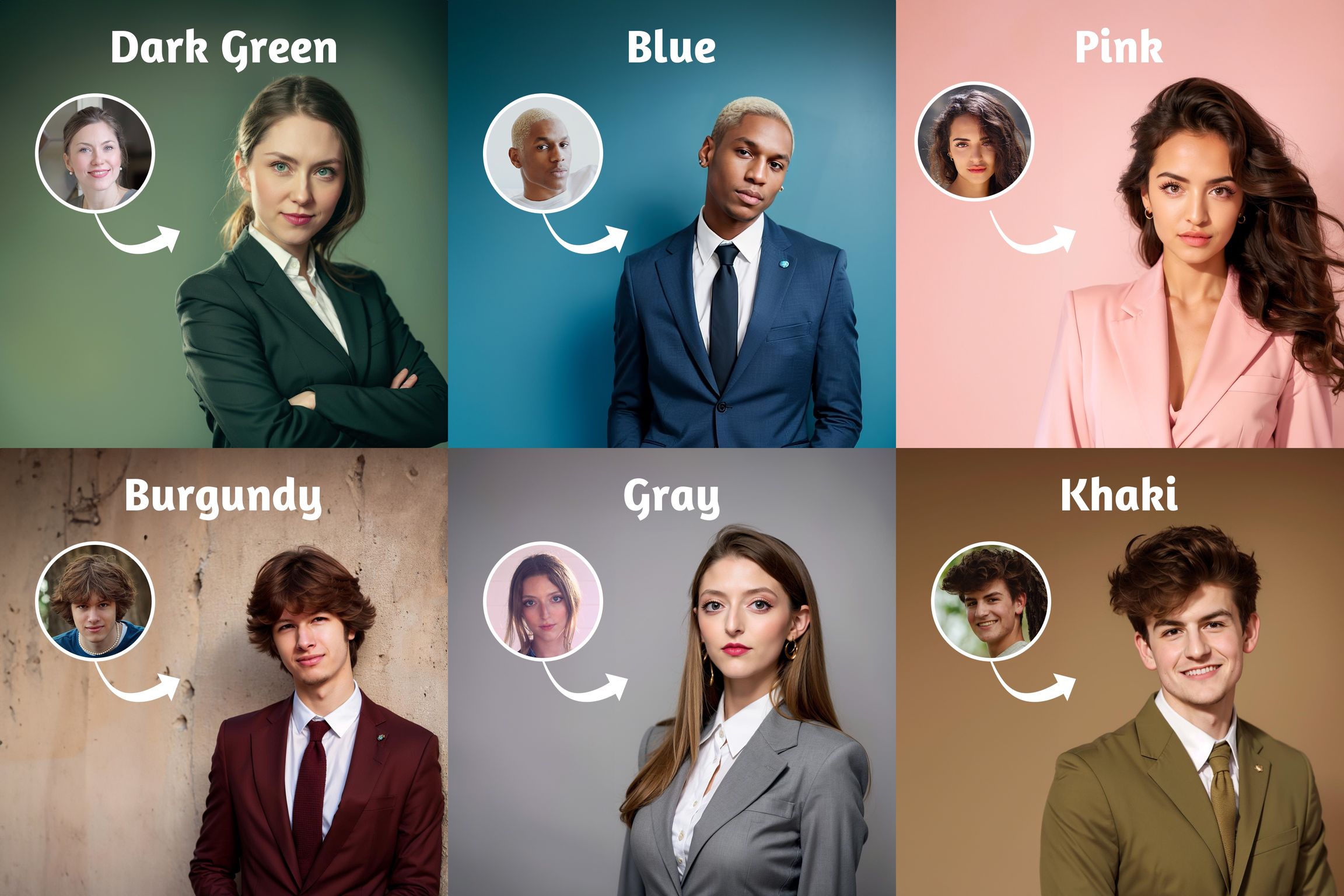
Proface.ai offers a variety of template-based portrait generation options, including styles optimized for LinkedIn. By following these simple steps, you can create the perfect LinkedIn portrait:
1. Select the right photos: Select high-quality images featuring the same person with various expressions and different backgrounds
2. Upload your photos to Proface.ai : Visit the LinkedIn Style Page on Proface.ai, and upload your selected photo. The platform will utilize its AI algorithms to create a professional headshot for you in less than 20s.
3. Modify your AI headshot: Customize the settings, including blur background and face retouching options, to craft a personalized and refined portrait that reflects your unique personal brand.
4. Pick your favorite AI headshot: Select your favorite AI headshot and download it; you're now ready to use it on your LinkedIn profile.